Remote Support
Remote Support for Heavy-Duty Foundation Equipment
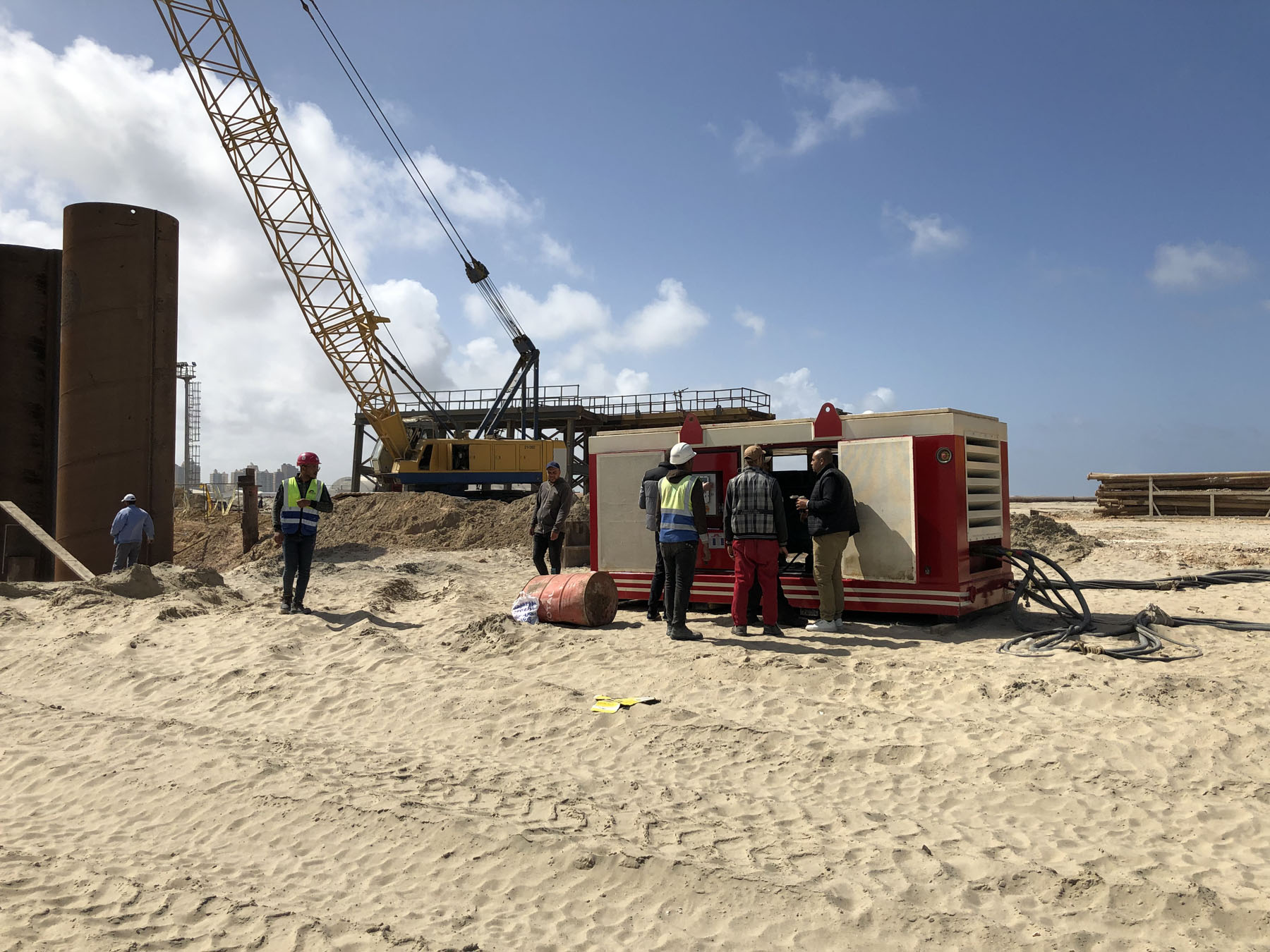
Pile driving and ground improvement equipment often operates under demanding site conditions where an unexpected alarm, hydraulic irregularity, control-system issue or operating question can interrupt production. In these situations, the first requirement is not always an immediate physical intervention. A structured remote support process can help the project team identify the nature of the problem, collect the correct technical information and determine the next action before unnecessary downtime develops.
OMS Vibro provides after-sales technical support for installation, maintenance and repair requirements as part of its service structure.
OMS Vibro Remote Support can therefore act as the first technical connection between the field team and OMS engineers when operating OMS vibratory hammers, hydraulic power packs, hydraulic clamps and ground improvement equipment.
For OMS Hydraulic Power Packs equipped with the appropriate Remote-Control Module, this support capability goes further. OMS documentation states that the module allows OMS to remotely monitor power pack status through the internet and remotely update power pack software for service and maintenance purposes.
How OMS Vibro Remote Support Works
Remote technical support should follow a controlled engineering process rather than relying on isolated descriptions such as “the machine does not work” or “the pressure is low.”
The objective is to establish the operating condition of the complete system and narrow the problem down to the relevant subsystem.
Machine and Configuration Identification
The support process begins with identifying the equipment configuration.
Depending on the application, an OMS system may include:
- a crane-suspended or excavator-mounted vibratory hammer,
- an OMS Hydraulic Power Pack,
- an SCN, KCN or ACN hydraulic clamp,
- a Side Grip system,
- vibroflotation equipment,
- Wick Drain Installation Equipment,
- hydraulic connections,
- electrical and electronic controls,
- and operator control interfaces.
Machine model, serial number, installation configuration and current operating conditions are therefore important starting information.
Remote Support becomes significantly more effective when the OMS technical team can evaluate the equipment as a complete system rather than considering individual components independently.
Operational Symptoms and Fault Information
The field team should provide the observed condition as clearly as possible.
Depending on the machine configuration, relevant information may include operating-screen messages, alarm information, fault history, hydraulic behaviour, abnormal machine response, control commands that cannot be completed or other observable operating symptoms.
OMS Hydraulic Power Packs provide real-time access through the main control panel to information related to the hydraulic system, engine and previous fault records. This information can support systematic troubleshooting instead of trial-and-error intervention.
Photos, videos and screen images can also help OMS engineers understand the machine condition before deciding whether additional inspection is required.
Remote Monitoring for OMS Hydraulic Power Packs
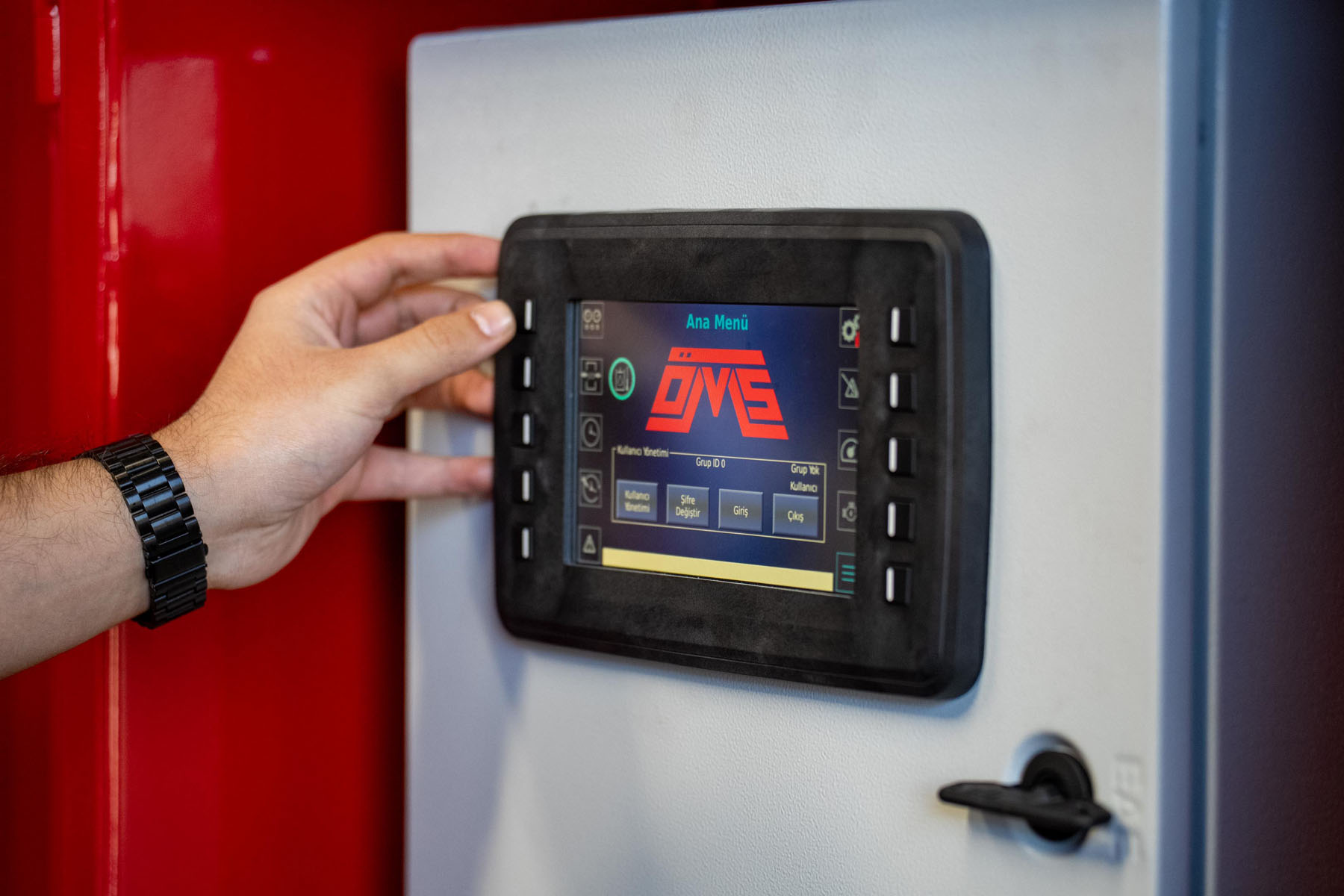
The OMS Hydraulic Power Pack is particularly important in the Remote Support process because it provides hydraulic energy and control functions for compatible OMS equipment.
OMS power units can be operated through an integrated touchscreen and, depending on configuration, wired or wireless remote-control systems. The power pack documentation also identifies a Remote-Control Module designed for remote software updating and machine-status monitoring through an internet connection.
Remote Status Evaluation
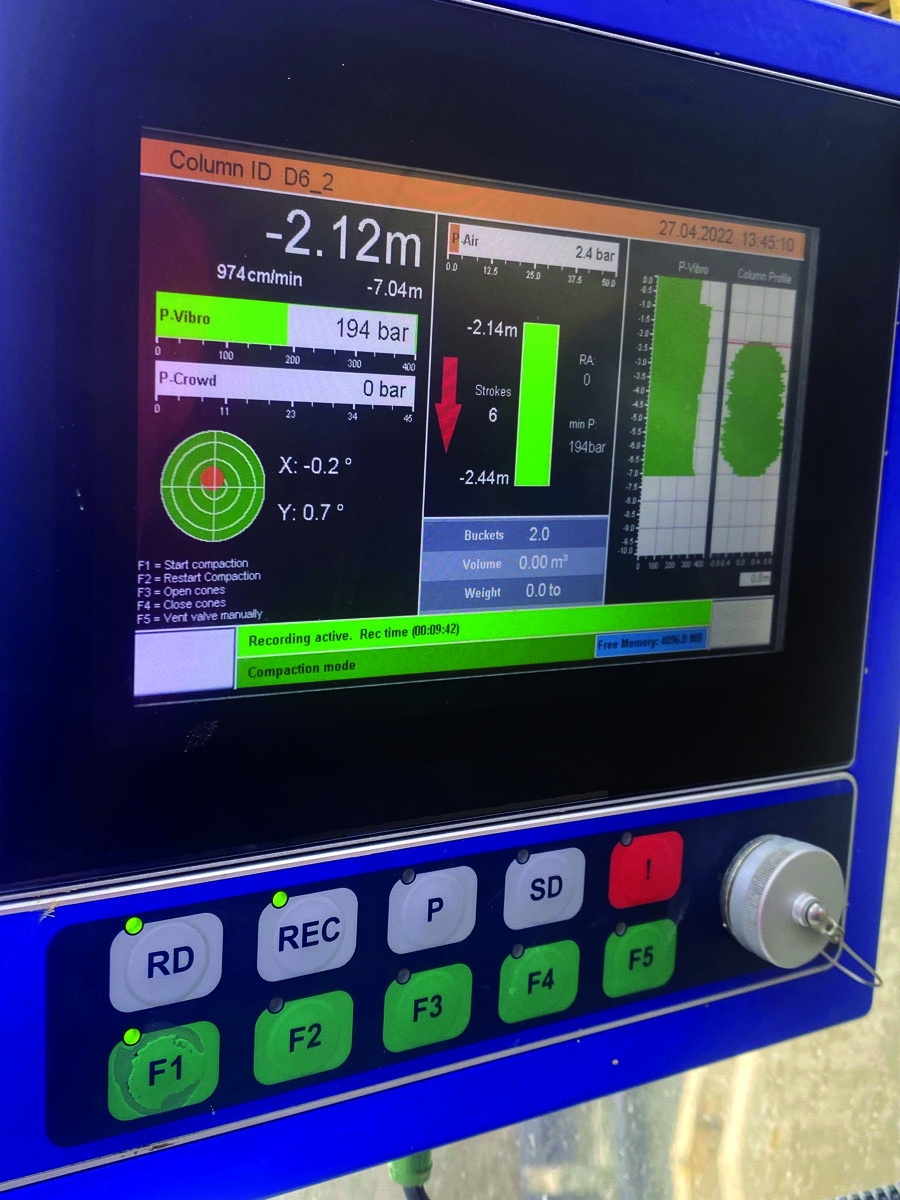
Where the relevant module and connectivity are available, OMS engineers can use machine-status information as part of service and maintenance assessment.
This can help technical personnel distinguish between issues associated with operating conditions, control logic, hydraulic-system behaviour or other conditions requiring further physical inspection.
Remote monitoring should not be considered a replacement for scheduled maintenance or mechanical inspection. Its engineering value is in allowing the technical team to collect information earlier and make a more informed service decision.
Remote Software Support
The Remote-Control Module also allows OMS to remotely update power pack software.
Software-related intervention should always remain under authorised OMS technical control. Safety functions, machine interlocks or operating limits should not be bypassed as part of troubleshooting.
If a problem requires mechanical repair, hydraulic intervention or physical component inspection, OMS Remote Support provides the technical assessment needed to determine the next service action.
Technical Areas That Can Be Evaluated Remotely
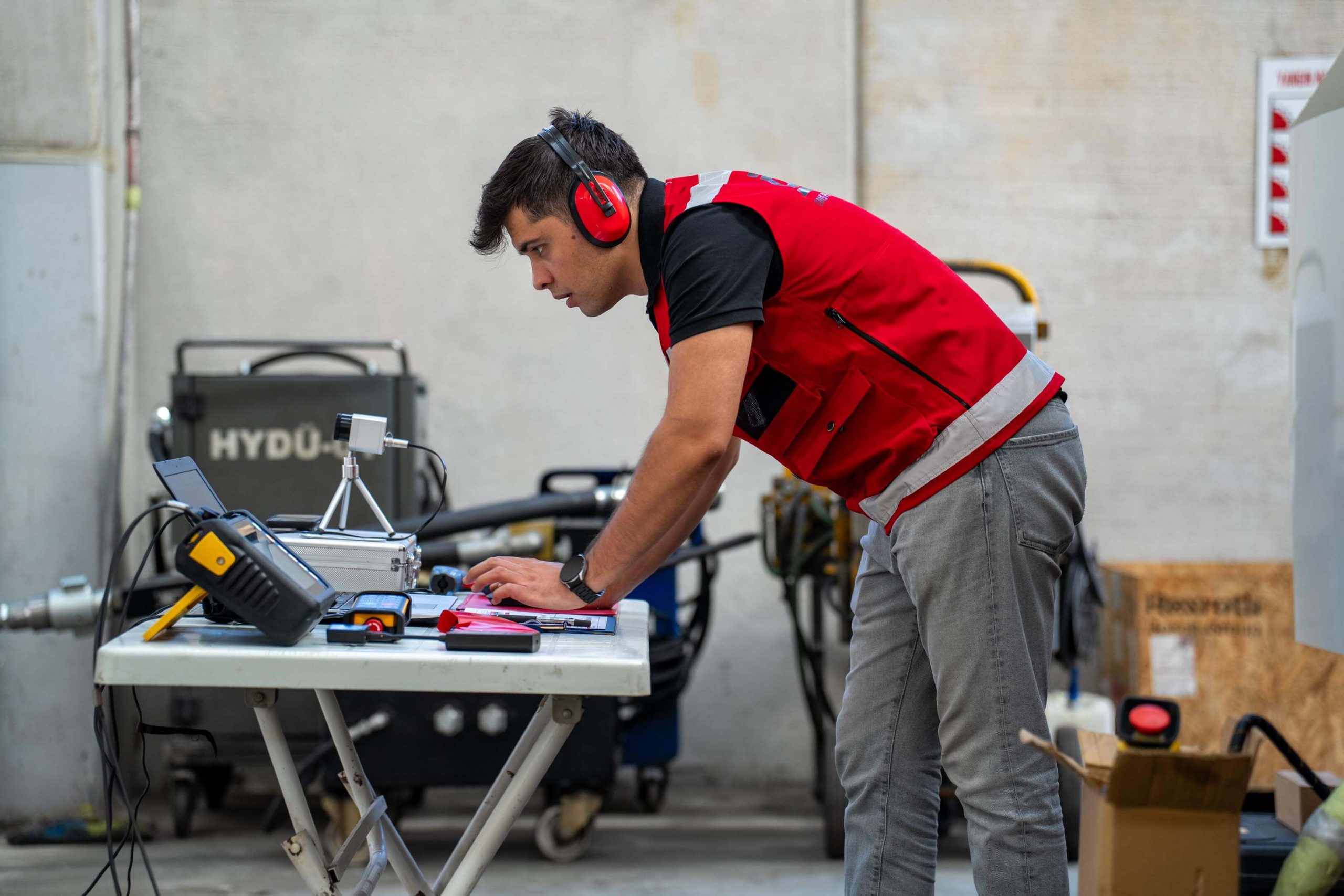
Remote Support can assist with several stages of technical assessment depending on the OMS equipment configuration and the information available from the site.
Hydraulic System Evaluation
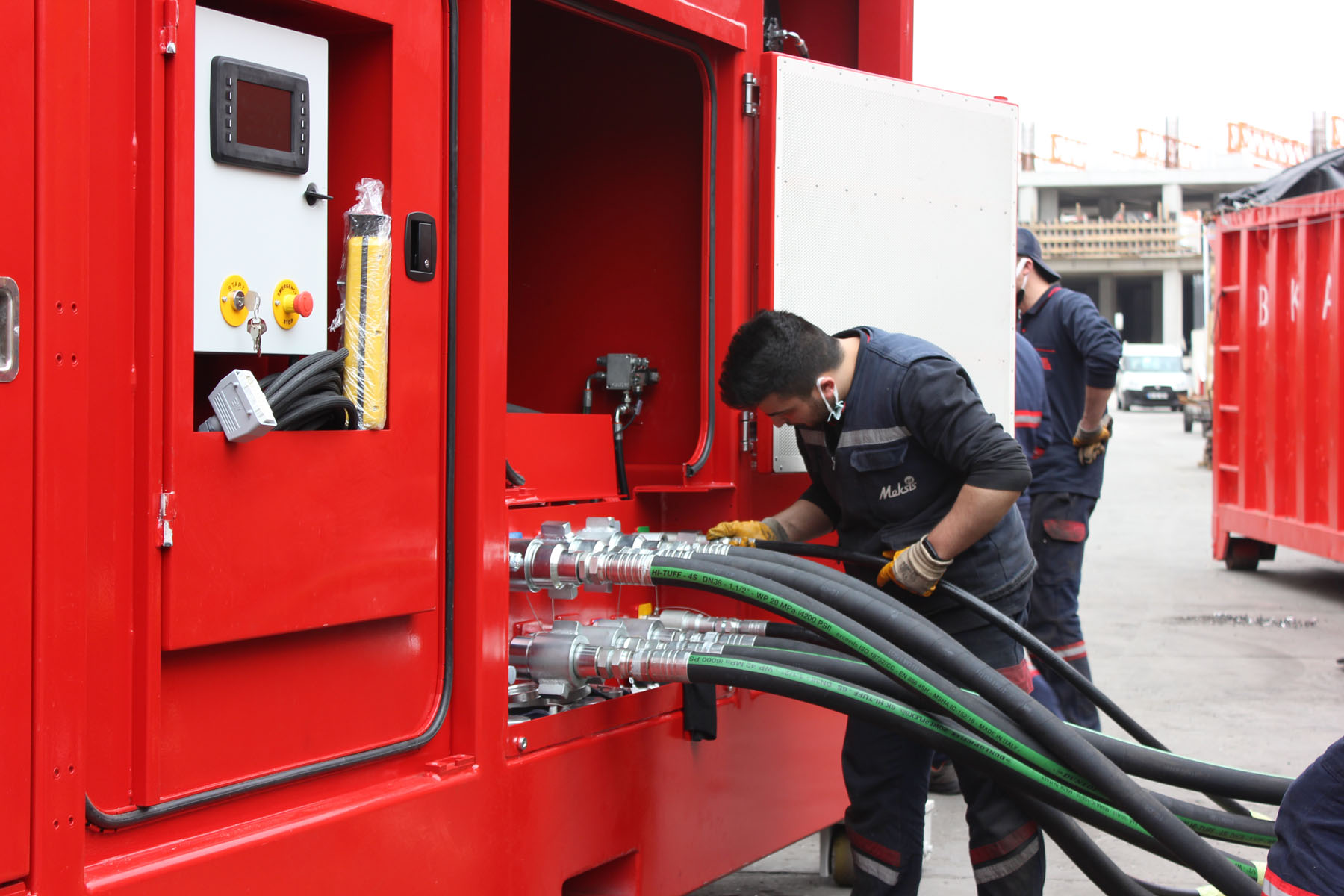
Hydraulic pressure, flow requirement, hose routing, connections and equipment compatibility are fundamental to the operation of hydraulic foundation equipment.
For excavator-mounted systems, for example, correct carrier compatibility and hydraulic supply are part of the complete machine configuration. OMS documentation specifically defines required hydraulic interfaces for its excavator-mounted equipment.
Remote Support can therefore help the field team identify which operating information should be checked and whether the observed condition requires a more detailed hydraulic inspection.
Control-System and Alarm Evaluation
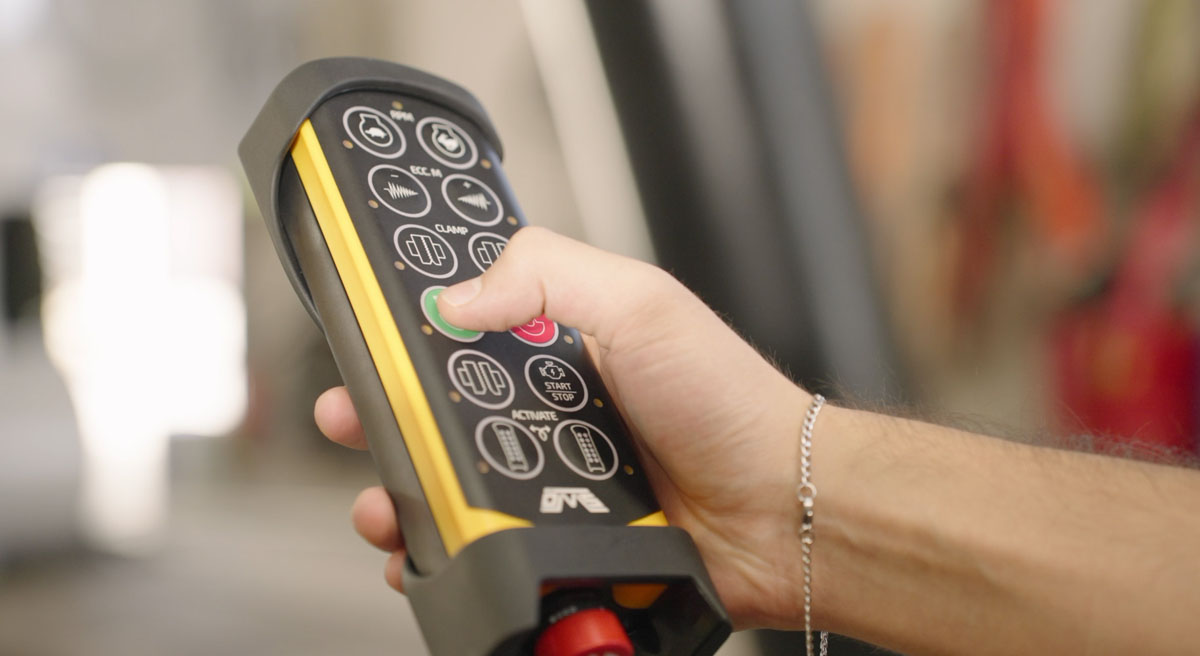
Modern OMS systems use control panels, PLC-based control elements and operator interfaces depending on machine type.
When an alarm or unexpected control behaviour occurs, the first task is to determine what the system is reporting and under what operating condition the event occurred.
Remote Support allows the OMS technical team to review available information with the operator and identify the appropriate next technical check.
Vibratory Hammer and Clamp Operation
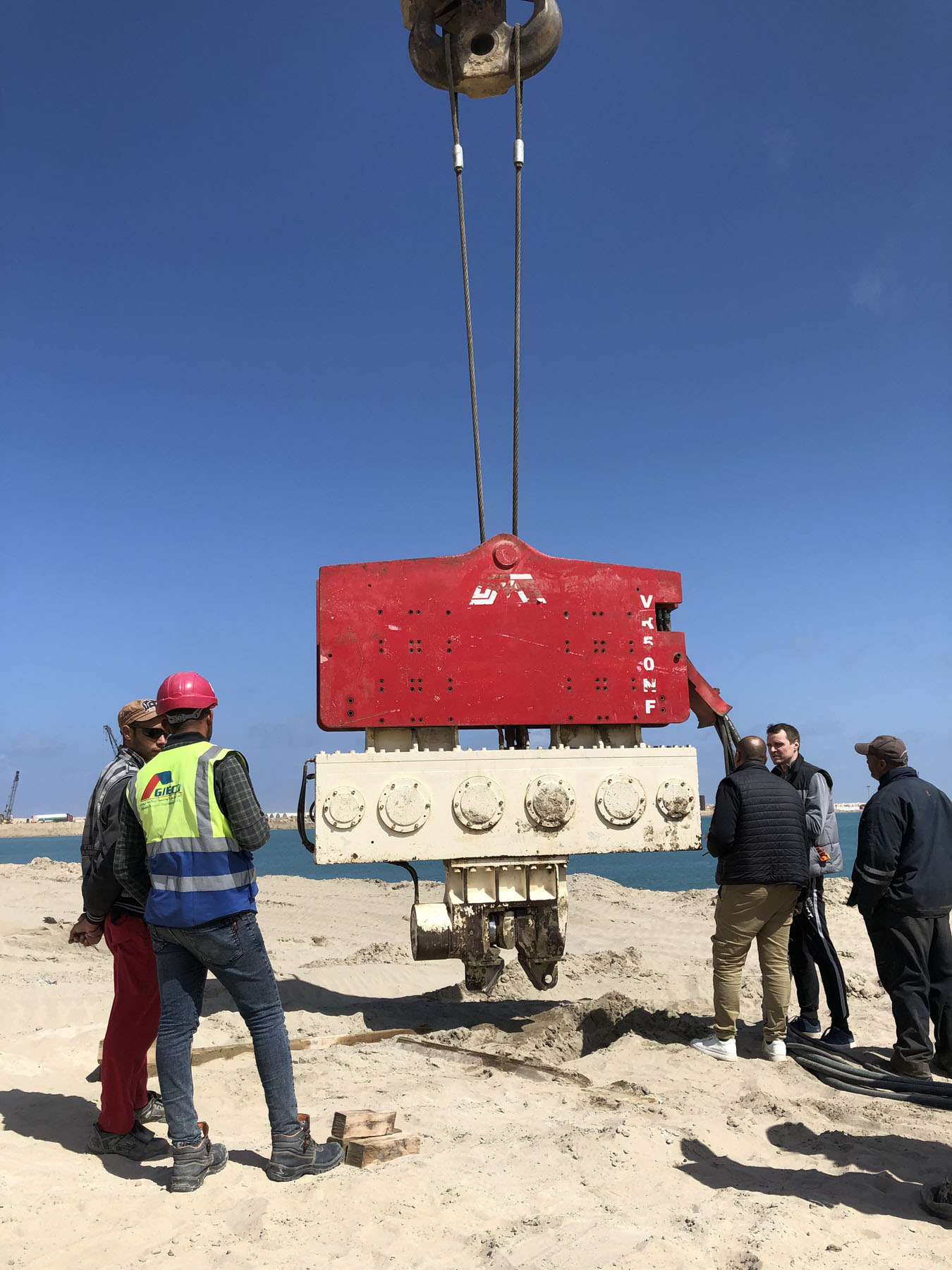
The vibratory hammer, clamp and hydraulic source operate as an interconnected system.
OMS hydraulic clamps form the mechanical force-transfer connection between the vibratory equipment and the pile. Correct gripping and hydraulic operation are therefore essential for safe equipment operation.
A Remote Support assessment may help determine whether the issue appears to originate from machine control, hydraulic supply, clamp operation or another subsystem. Physical damage, abnormal wear, leakage or structural concerns, however, require appropriate on-site inspection before continued operation.
Supporting Field Productivity and Reducing Downtime
The main operational value of Remote Support is not simply faster communication.
Its purpose is to shorten the time between detecting a problem and reaching a technically justified decision.
Without a structured support process, site teams may spend valuable time checking unrelated components or replacing parts before the source of the problem has been identified.
Remote technical support helps organise this process around machine data, operating conditions and documented system behaviour.
This approach can contribute to:
- faster initial fault assessment,
- improved communication between operators and OMS engineers,
- more focused troubleshooting,
- better preparation for an on-site service intervention,
- appropriate spare-part identification,
- reduced unnecessary machine disassembly,
- and more efficient maintenance planning.
Where an on-site visit is required, information collected during Remote Support can also help the OMS technical team prepare the required service scope before arriving at the project.
From Remote Support to On-Site Service
Not every technical problem should be solved remotely.
Remote Support should be considered the first stage of a broader OMS after-sales technical support structure.
If evaluation indicates that the machine requires physical adjustment, component replacement, hydraulic intervention, mechanical inspection or commissioning work, the support process should be transferred to the appropriate service activity.
This is particularly important for safety-critical systems. Remote troubleshooting must never replace the physical inspection required for suspected structural damage, hydraulic leakage, abnormal mechanical behaviour or other conditions that could affect safe operation.
Where Remote Support Fits in the Equipment Lifecycle
Remote Support can provide value beyond emergency troubleshooting.
During the operating life of OMS equipment, technical communication may be required during commissioning, operator familiarisation, machine configuration changes, maintenance planning and fault investigation.
A structured support history can also help technical teams understand recurring operating conditions and prepare more focused maintenance activities.
For connected OMS Hydraulic Power Packs, remote monitoring adds another information source by allowing OMS to review power pack status for service and maintenance purposes.
The result is a support approach that connects field operation, control-system information and OMS engineering knowledge within the same technical process.
Frequently Asked Questions
OMS Vibro Remote Support is an after-sales technical support process that helps field teams communicate machine conditions, operating information and faults to OMS technical personnel for technical evaluation.
Technical support can be provided for OMS equipment including vibratory hammers, hydraulic power packs, hydraulic clamps and ground improvement equipment. The exact diagnostic possibilities depend on the machine configuration and available system information.
OMS power packs equipped with the Remote-Control Module can be remotely monitored through the internet for service and maintenance purposes.
Yes. The Remote-Control Module enables OMS to remotely update power pack software.
No. Remote Support helps evaluate machine conditions and determine the appropriate technical response. Mechanical repairs, physical inspections and certain hydraulic or structural interventions still require qualified on-site service.
The machine model and serial number, equipment configuration, operating condition, displayed alarms or fault messages, photos or videos and a clear description of the observed problem can help accelerate technical assessment.
OMS Vibro Value Propositions
Efficient after-sales support begins with accurate technical information.
OMS Vibro Remote Support connects field teams with OMS technical expertise so that machine conditions can be evaluated systematically before the next action is taken. From fault and alarm assessment to power pack status monitoring and authorised remote software support, the objective is to identify problems earlier, minimise unnecessary downtime and determine whether the solution can be completed remotely or requires on-site intervention.
For equipment-specific Remote Support, troubleshooting, maintenance planning or service requirements, contact the OMS After Sales with your machine model, serial number and available operating information.
Get professional advice to find the most efficient equipment for your application.